Live TV
Browse current television streams through organized regional and topic-based groups.
Review the tools that shape real IPTV use: content categories, player navigation, EPG, catch-up, device support, network requirements and troubleshooting—without unrealistic playback guarantees.
 TV · Sports · Movies · Series
Each feature depends on the current source, account configuration, player and device where noted.
Browse current television streams through organized regional and topic-based groups.
Open available films from a dedicated VOD library rather than a fixed schedule.
Browse seasons and episodes separately from live television and movies.
HD, Full HD, 4K and selected higher resolution where the source and hardware support it.
Current and upcoming programme information on channels with supplied guide data.
Replay eligible past programmes where the channel, source and player support it.
Find current channels, movies and series without manually opening every category.
Save frequently used channels or content inside compatible player applications.
Regional and language-based categories for viewers who watch content from multiple markets.
Compatible options for Smart TV, Fire TV, Android, Apple, computers and IPTV boxes.
PIN, category visibility and parental features where supported by the chosen app.
Guidance for app selection, login, playlist refresh and common playback checks.
A higher resolution label does not override weak Wi-Fi, unsupported codecs or a low-quality source.
Use extra headroom when other devices share the connection.
Stable throughput and low packet loss usually matter more than a single speed-test peak.
A wired connection or clean 5 GHz/6 GHz Wi-Fi can improve consistency.
Requires a matching source, codec, display, player and substantially more stable bandwidth.
App stores, licensing and login formats change. Confirm the current recommendation for the exact device model.
| Platform | Common player options | Setup method | Important note |
|---|---|---|---|
| Samsung / LG Smart TV | IBO Player, Smarters variants, XOTT and other supported apps | TV app store or supported activation method | App availability varies by model and region |
| Android TV / Google TV | TiviMate, IPTV Smarters, XCIPTV and compatible players | Play Store or verified APK source | Use only trusted download sources |
| Amazon Fire TV | TiviMate, Smarters and compatible Android players | Appstore or approved sideload method | Downloader permissions vary by Fire OS version |
| iPhone / iPad / Apple TV | Compatible App Store IPTV players | Apple App Store | Login format and feature set differ by app |
| Windows / macOS | Desktop IPTV players or supported web options | Official software source | Keep operating system and player updated |
| Formuler / MAG / boxes | Device-native middleware or compatible apps | Portal, MAC or account method as supplied | Confirm device model before ordering |
Avoid vague “no buffering” claims. A short diagnostic sequence gives support more useful information.
Test several channels and a VOD item. One failing source does not prove the entire service is down.
Try Ethernet, Wi-Fi and—briefly—another connection to isolate local routing or signal issues.
If possible, test a second compatible app to identify a player-specific decoding or cache problem.
Provide device, app, time, channel or title, error message and the troubleshooting already completed.
These interface examples show common live TV, VOD, guide, search and settings screens. App layouts and available content can differ by device, app version and account.
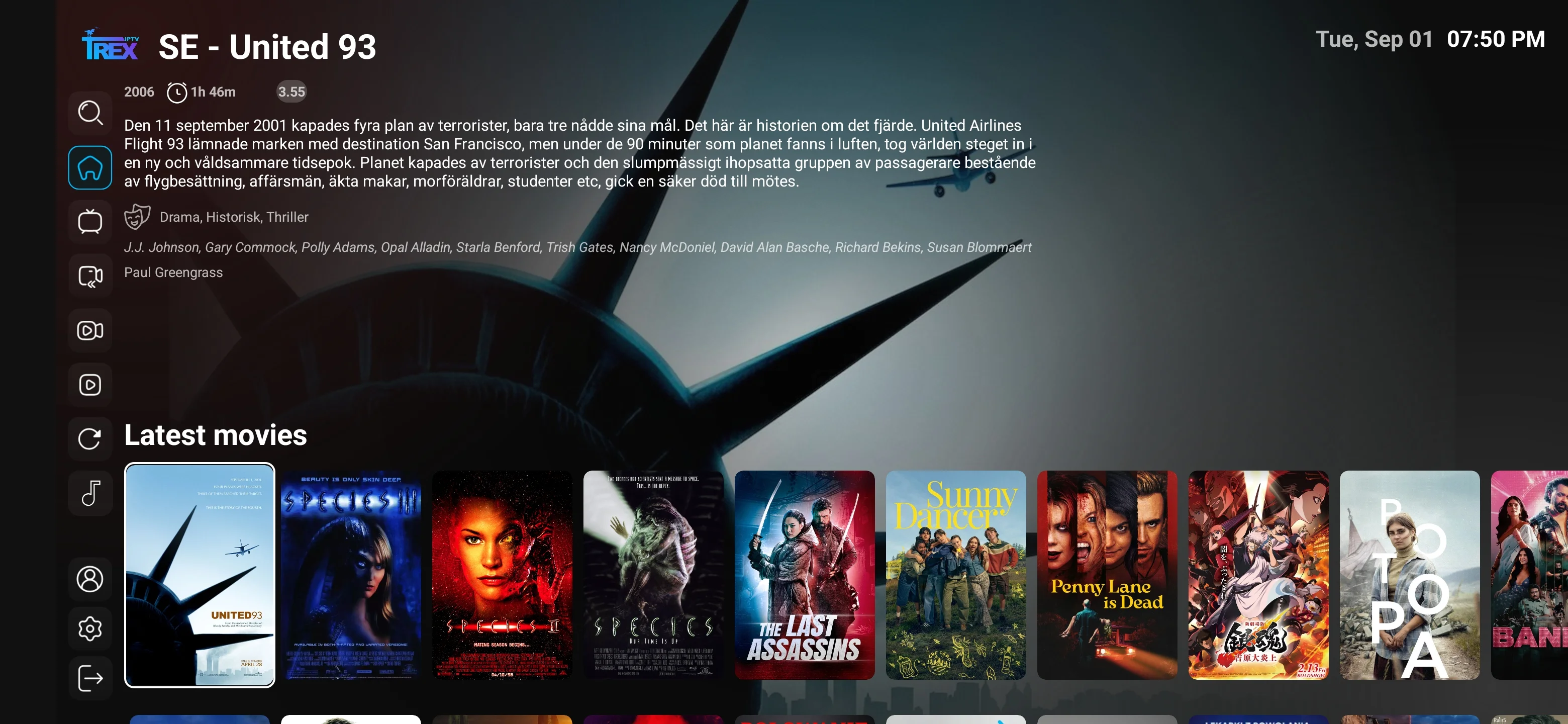
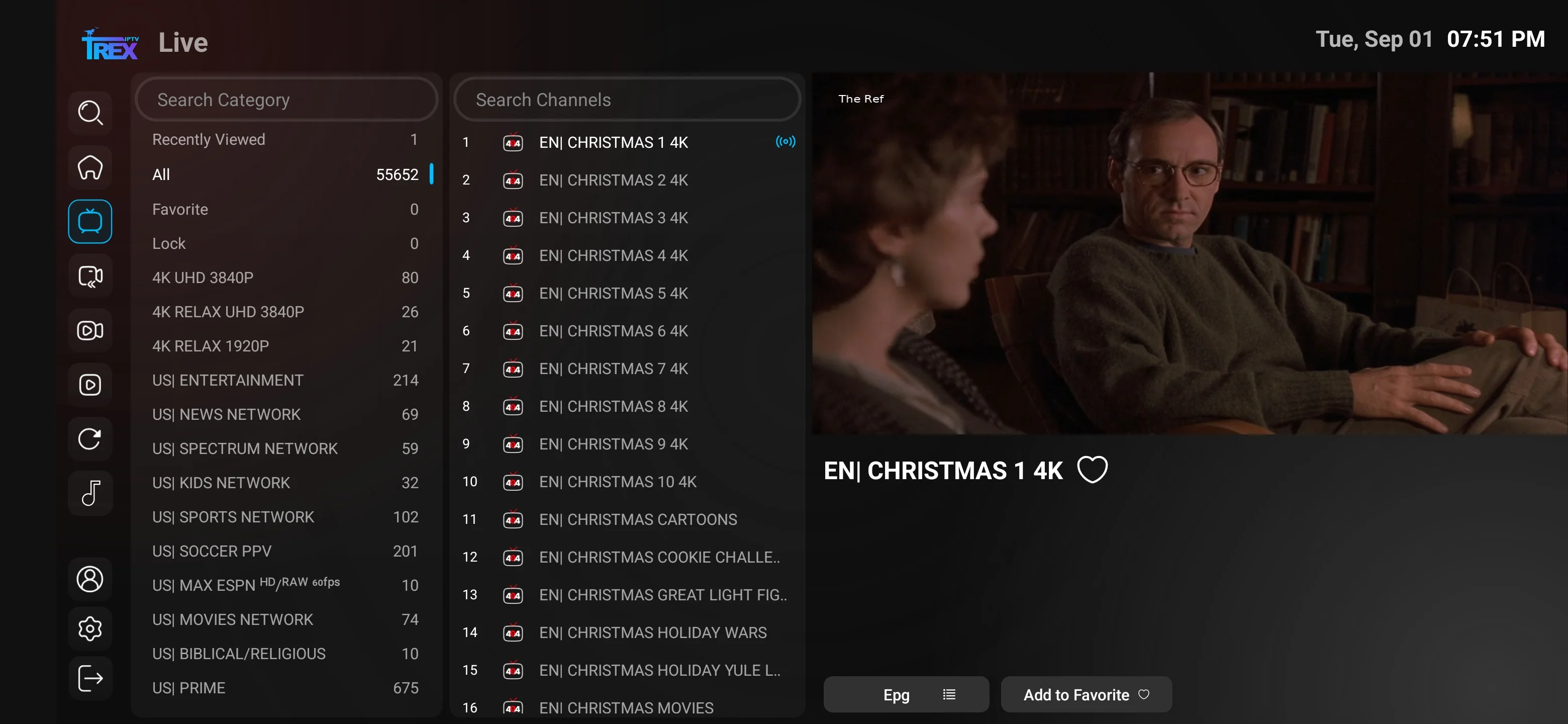
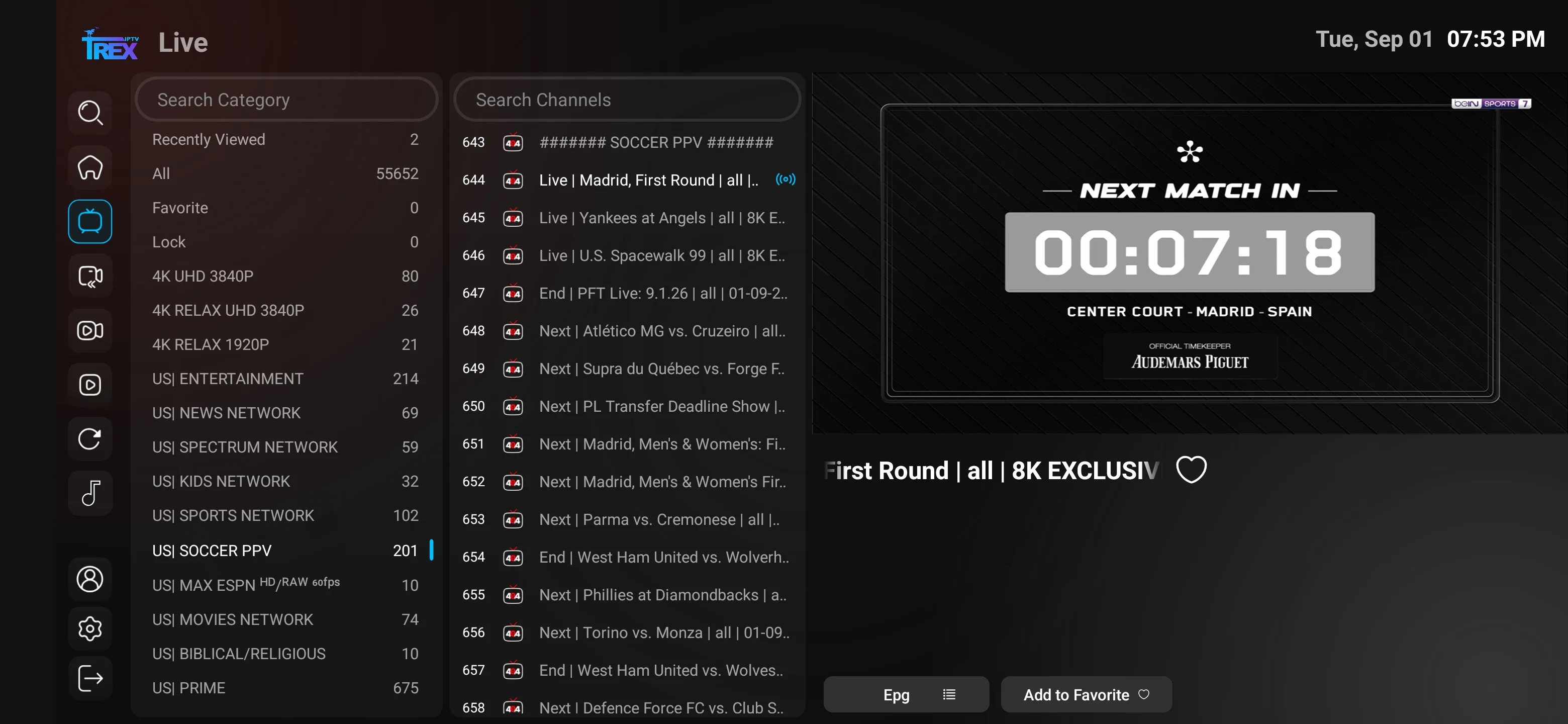
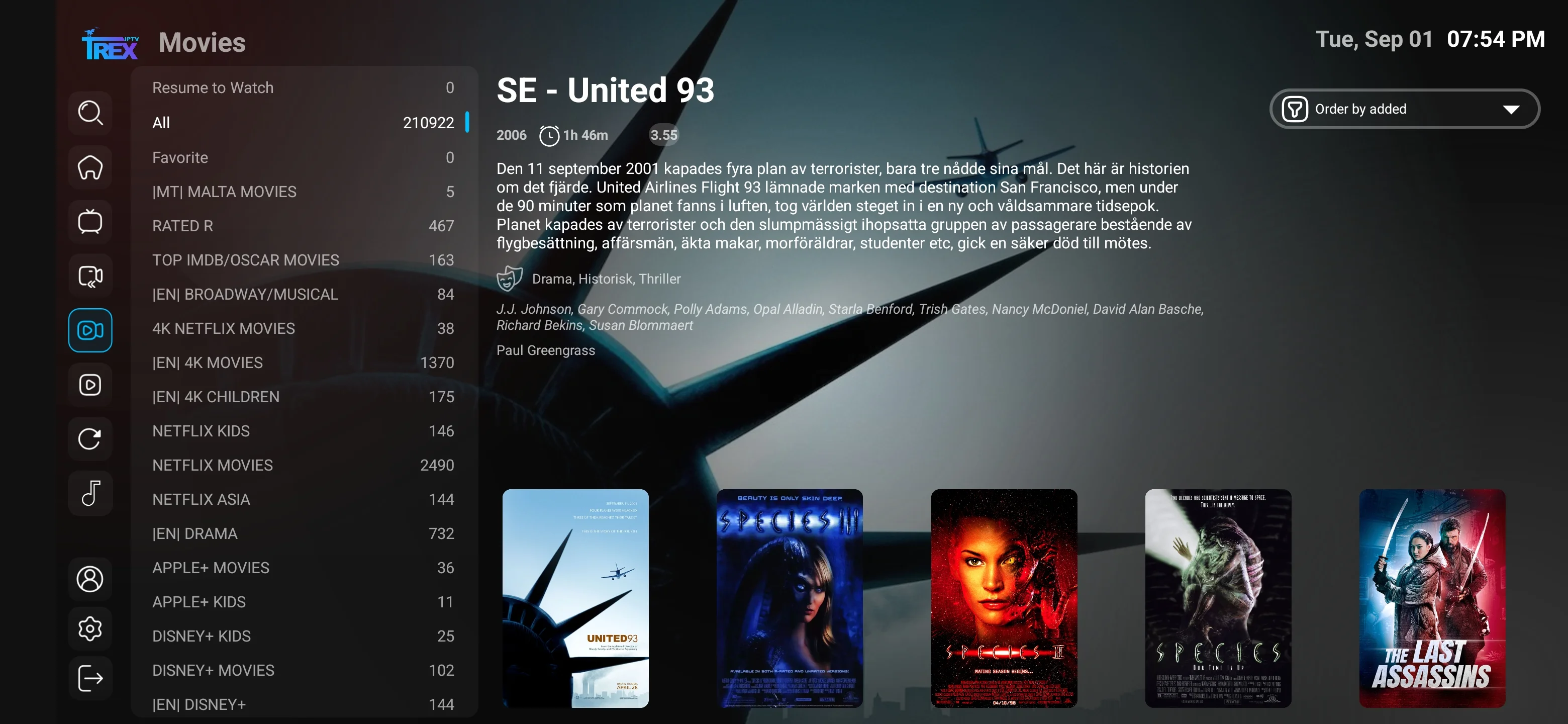
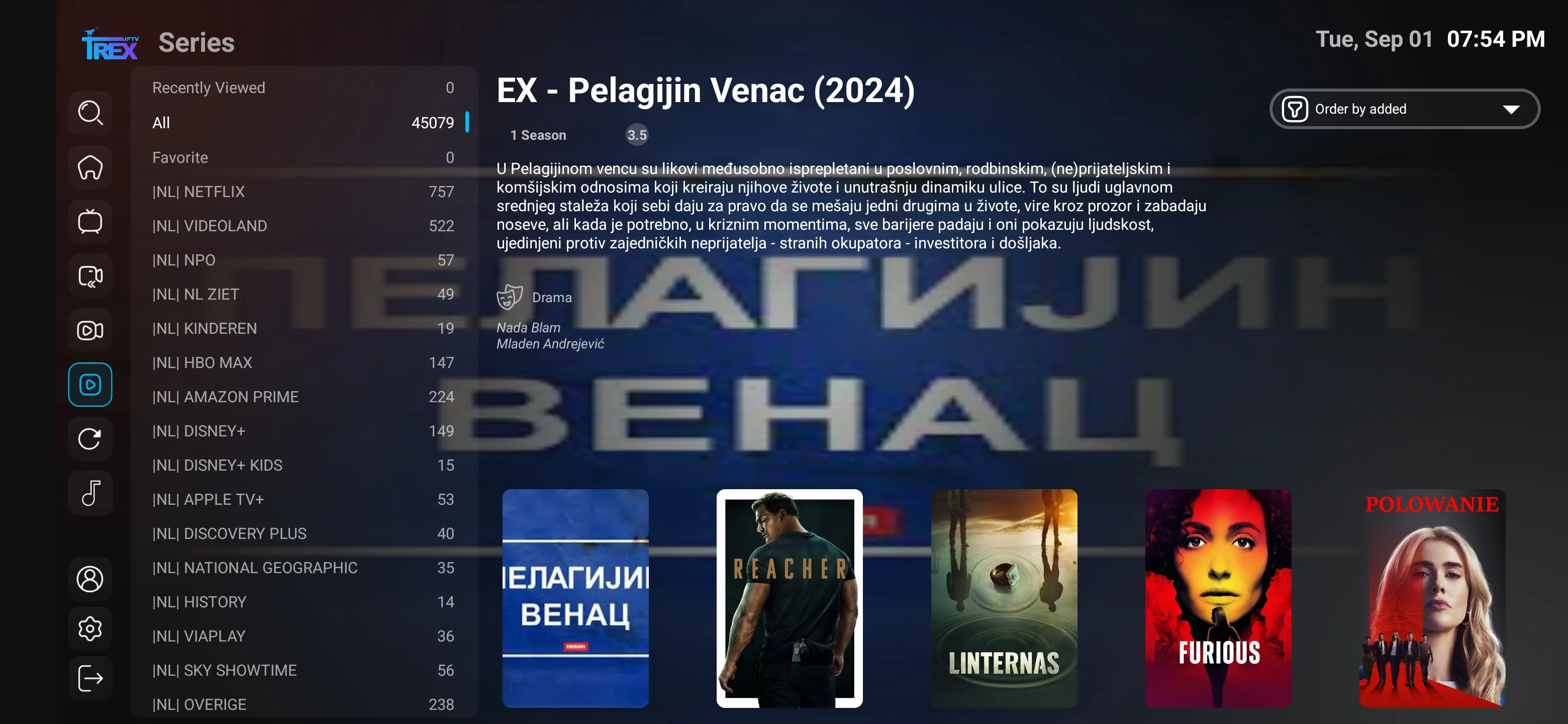
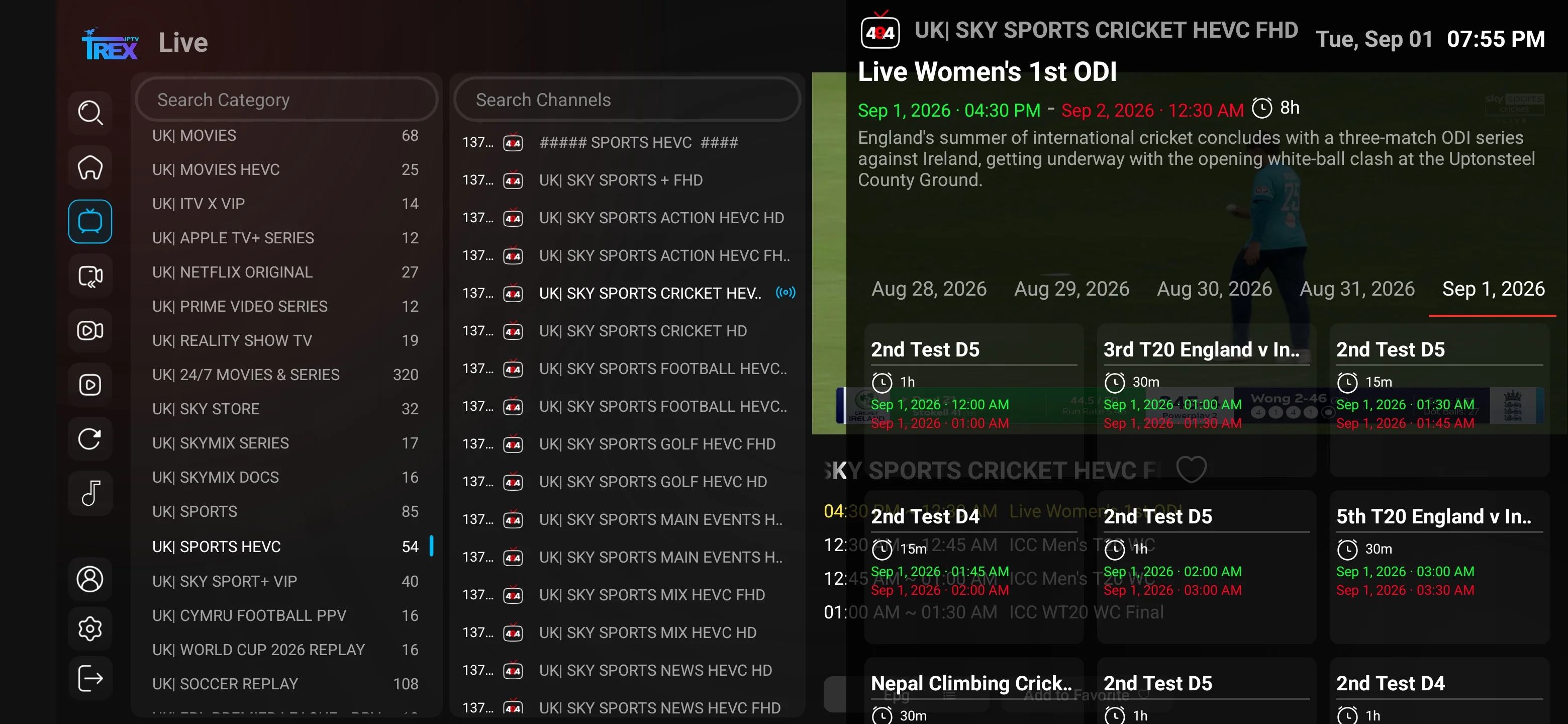
Screenshots demonstrate compatible player navigation only. They do not guarantee that every channel, title, feature or quality level is available on every account.
Answers about quality, buffering, guide data, catch-up, favorites, parental controls, VPNs and apps.
The listed service includes live television, movies, series, international categories, multiple quality levels, compatible player support, EPG where available, catch-up on eligible sources, search, favorites, setup guidance and support access.
No responsible service can guarantee uninterrupted playback. Results depend on the source, internet route, Wi-Fi or Ethernet quality, device resources, player settings and current demand. The troubleshooting guide helps isolate common causes.
No. HD and Full HD are more common. 4K and selected higher-resolution sources are available only where supplied and require compatible hardware, codec support and sufficient stable bandwidth.
The EPG displays programme names and schedules inside compatible apps when guide data is supplied and mapped correctly. Coverage varies by channel.
Catch-up allows supported past programmes to be opened after their live broadcast on eligible channels. Availability and retention length depend on the source and player.
Most compatible IPTV players offer a favorites function. Favorites are normally stored by the app or device, so behavior can change between players.
Many compatible players provide PIN protection or category controls. Configure them within the app and confirm that the player supports the control level your household requires.
Many compatible devices and apps can operate with a VPN, but the service does not supply one. A VPN can reduce speed or change routing, so compare playback with and without it when troubleshooting.
The account can be configured in compatible players on common devices, but login methods differ. Simultaneous streaming remains limited by the connection count confirmed for the order.
Channels, categories, movies, series and guide data can be added, removed or reorganized over time. No fixed update frequency is promised on this page.
The service supplies account access and setup guidance. Some compatible apps are free, while others require a separate purchase or device activation fee.
Test your actual device and app, important live categories, VOD navigation, EPG, subtitles if needed, Wi-Fi or Ethernet performance and the support process. Do not test only one channel.