Trex IPTV subscription
Supplies the active account, login format and access to current live and on-demand sources.
Compare common player options, understand the difference between an app and a subscription, and preview live TV, VOD, EPG, search, favorites and settings screens before setup.
 TV · Sports · Movies · Series
Independent player notice: player names identify compatible third-party applications or device software. Trex IPTV does not claim ownership of third-party brands. Availability, pricing and features are controlled by their respective developers.
Understanding the separation makes installation and troubleshooting much easier.
Supplies the active account, login format and access to current live and on-demand sources.
Loads the account and provides the interface for categories, EPG, playback, search and favorites.
Decode and display the stream using the available processor, codec support and internet connection.
Use the current support recommendation and obtain the app from an official or verified source.
Guide-focused interface, favorites and playlist organization. Some features require a separate premium player license.
View setup guidanceFamiliar live TV, movies and series dashboard. Availability and exact features vary by version.
View setup guidanceDevice-activation workflow for supported televisions. The player may charge a separate activation fee.
View setup guidanceAlternative compatible interface for live TV and VOD where supported by the device and account format.
View setup guidanceAndroid-focused interface with live TV, guide and VOD navigation depending on the current app build.
View setup guidancePortal, MAC or device-specific setup where supported by the exact model and service configuration.
View setup guidanceThese interface examples show common live TV, VOD, guide, search and settings screens. App layouts and available content can differ by device, app version and account.
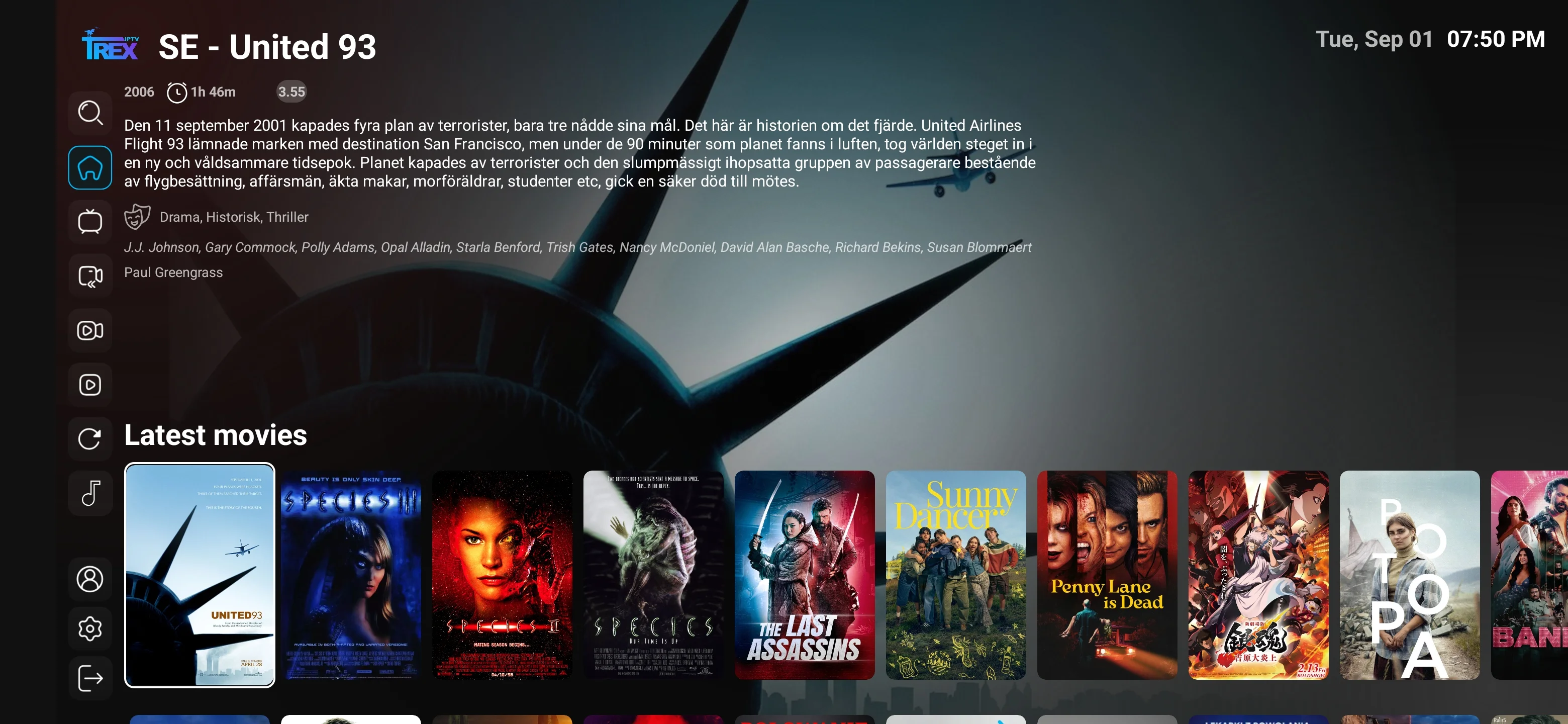
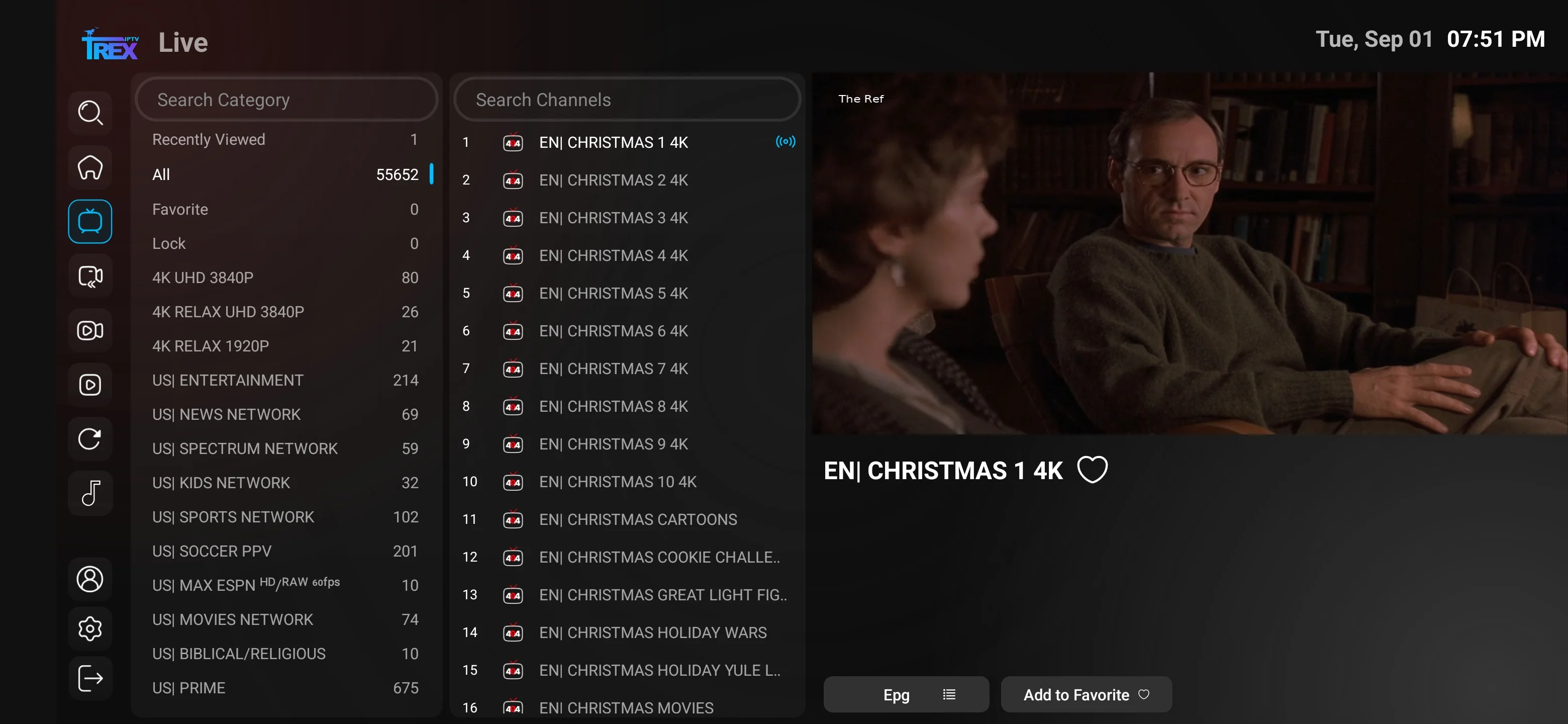
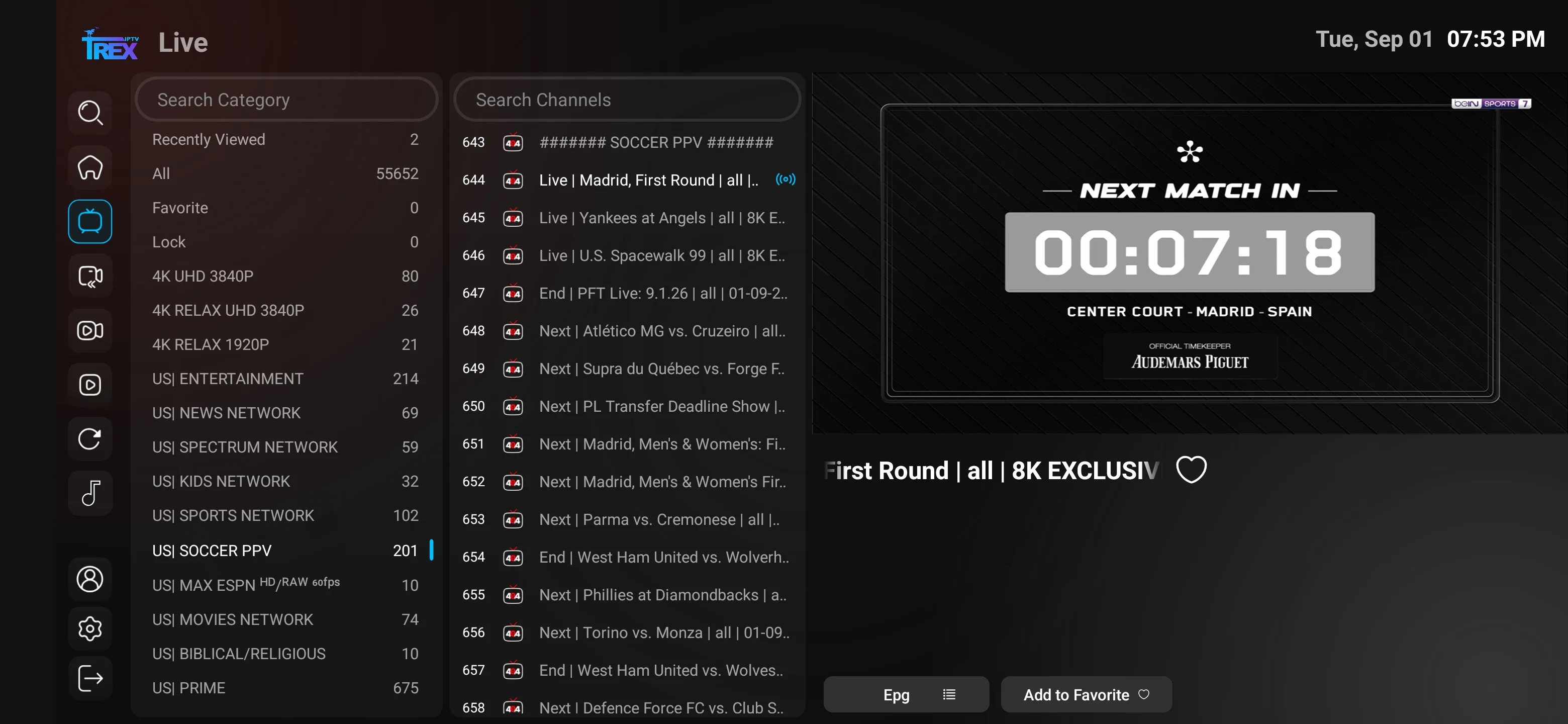
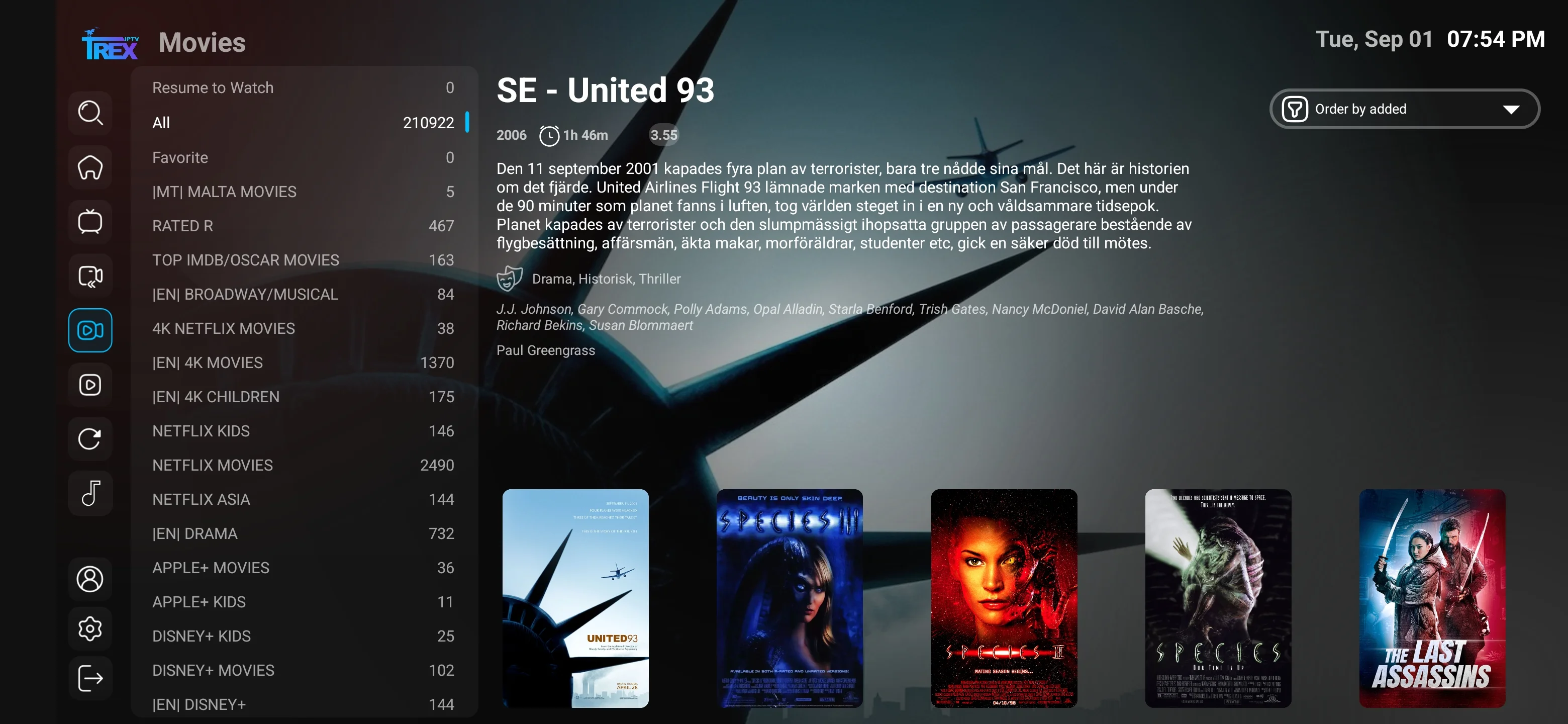
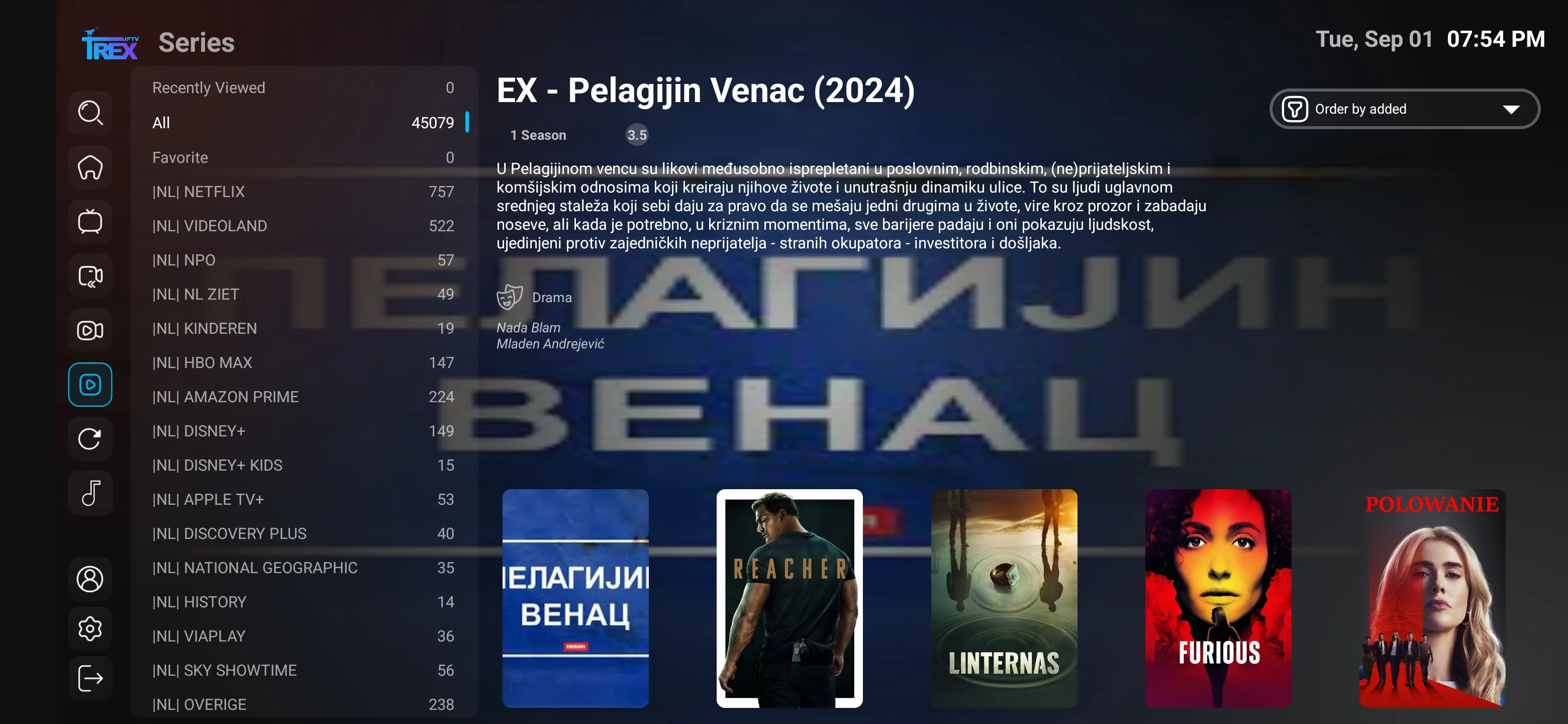
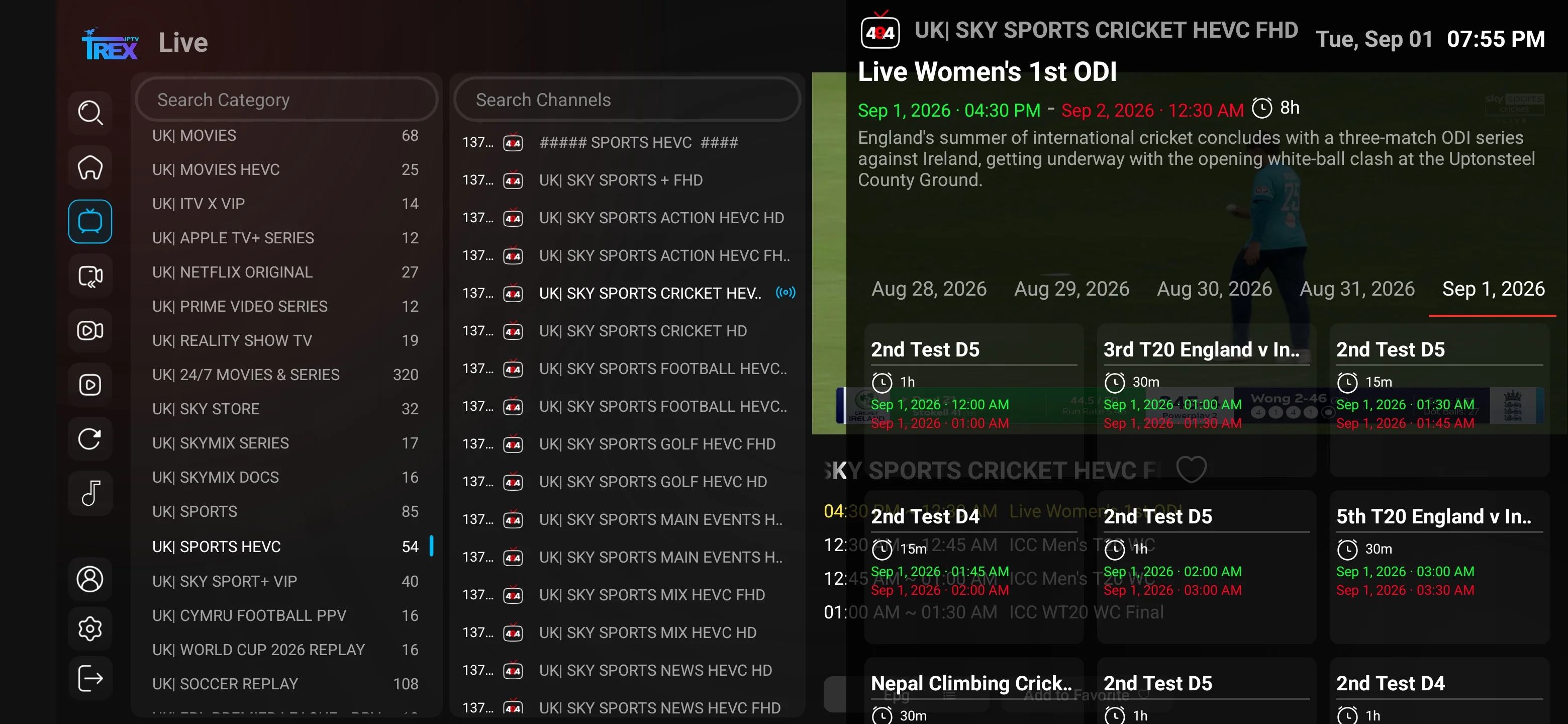
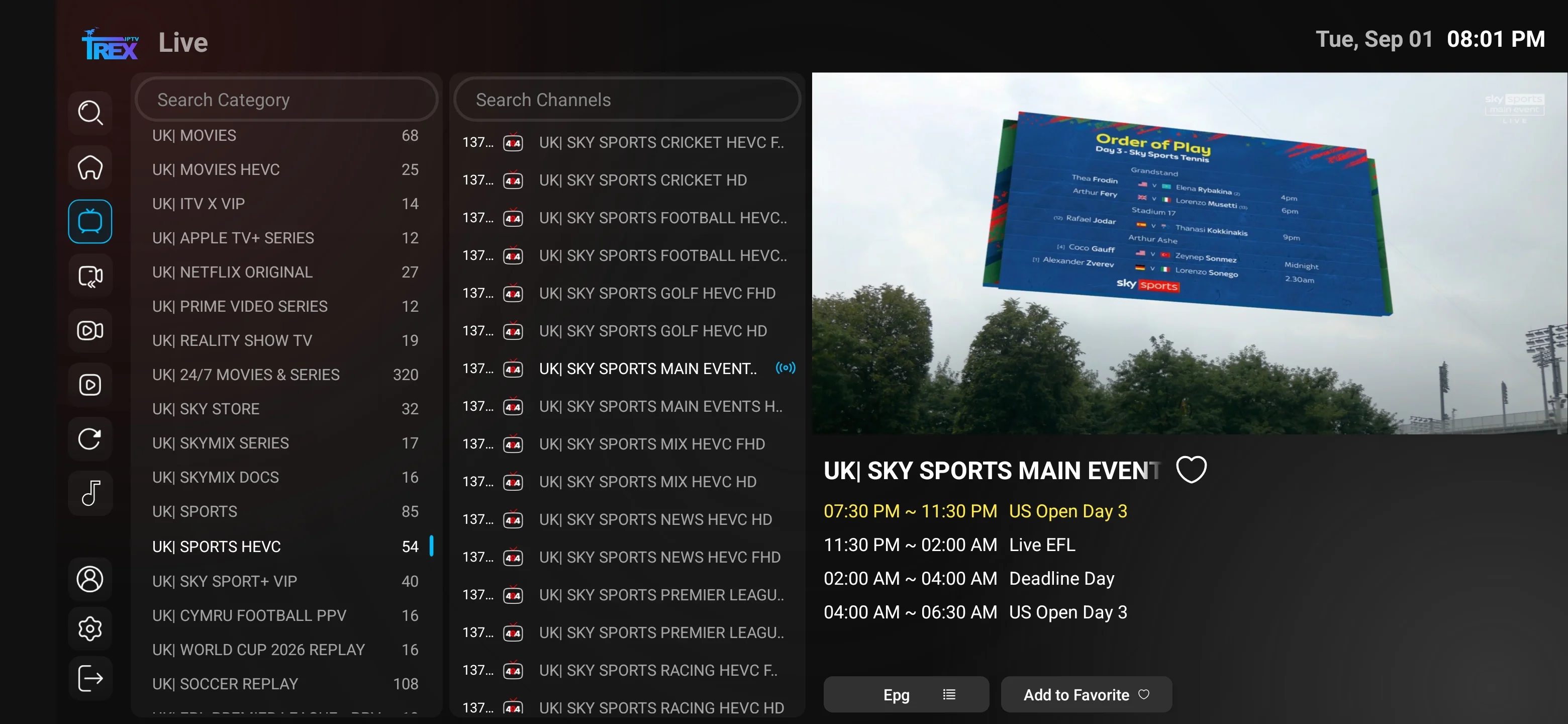
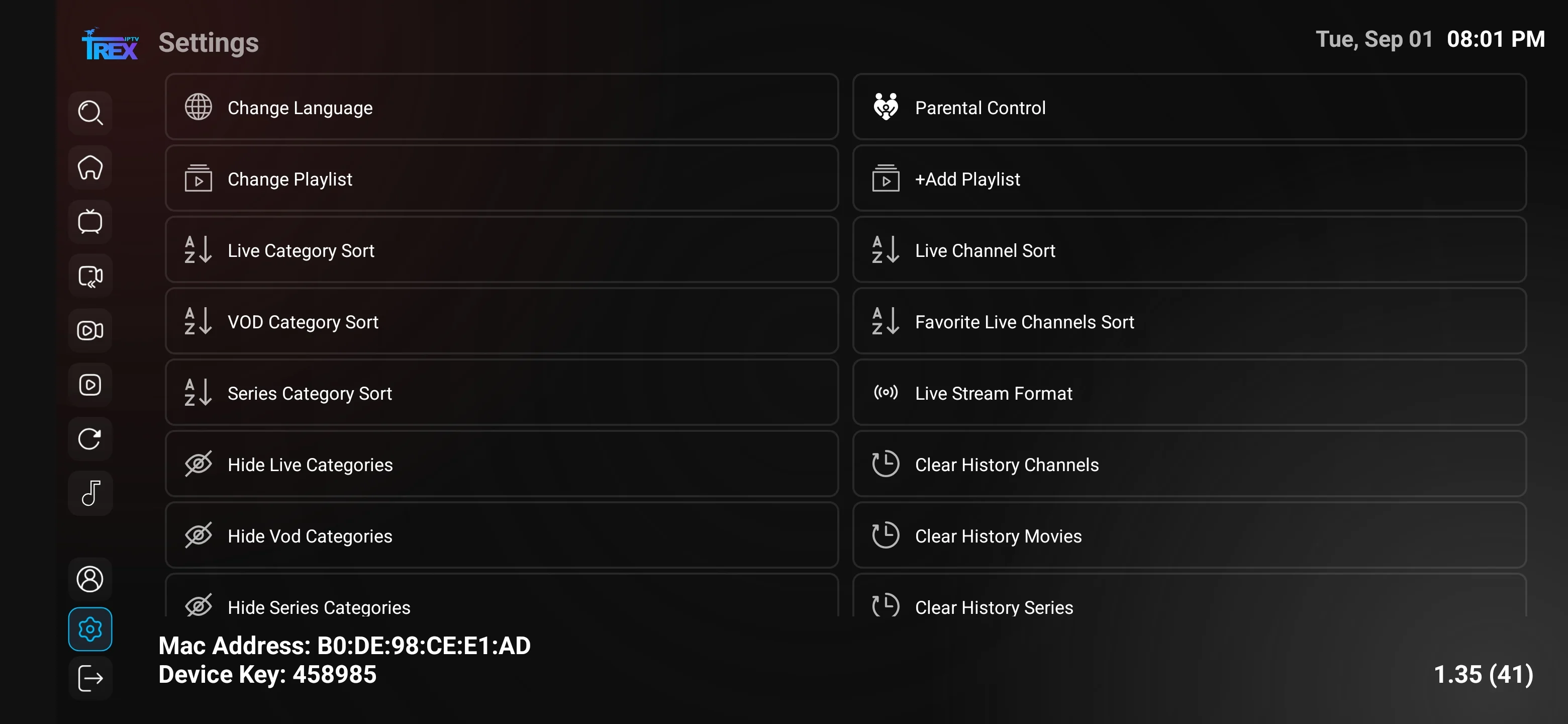
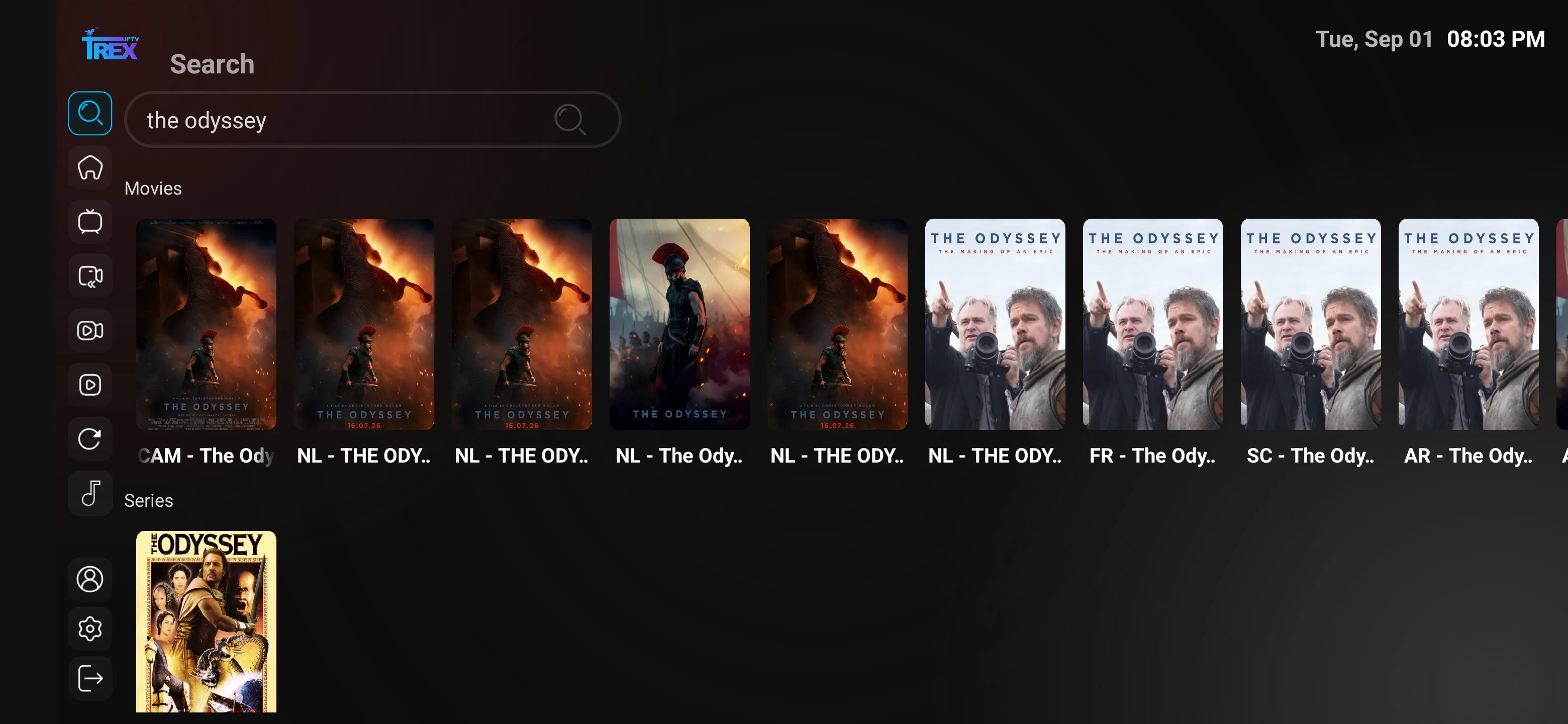
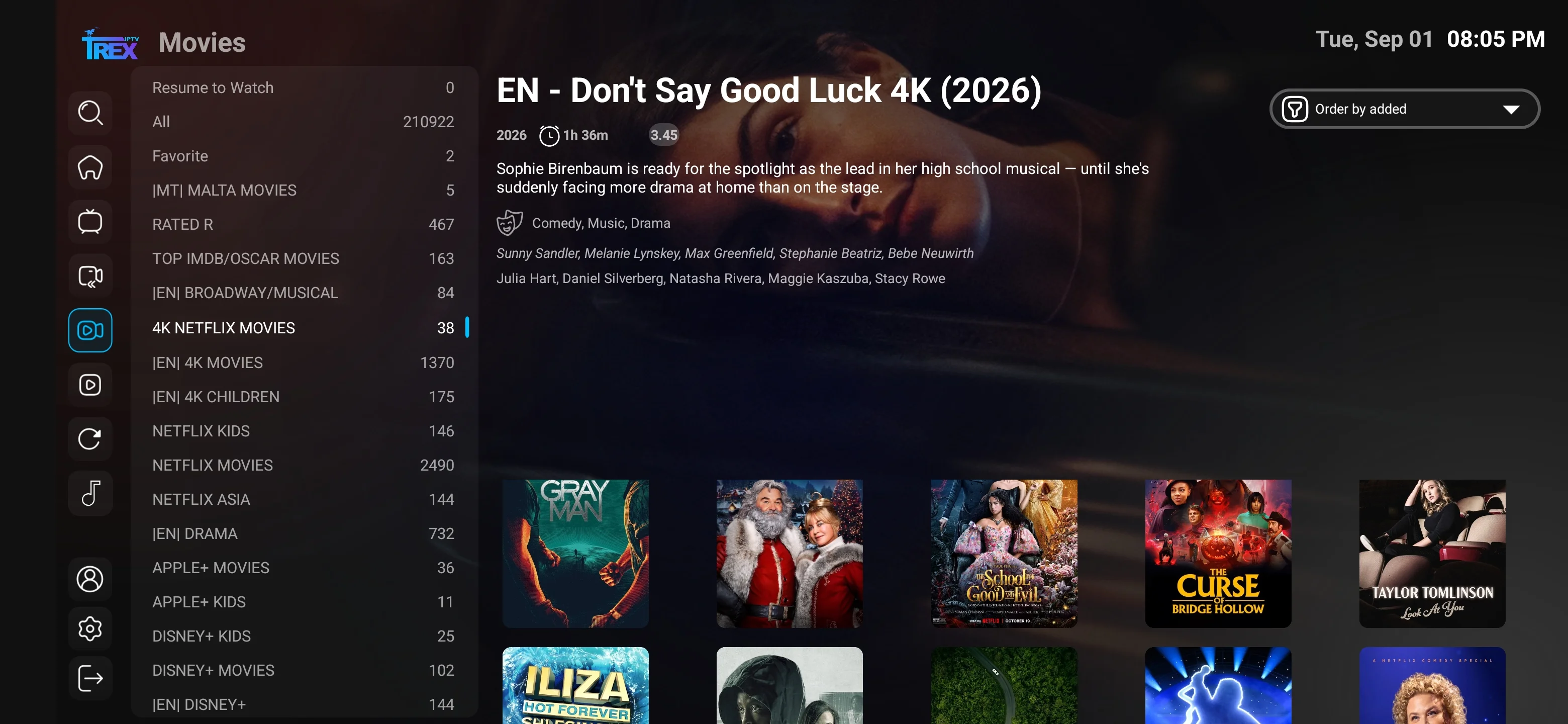
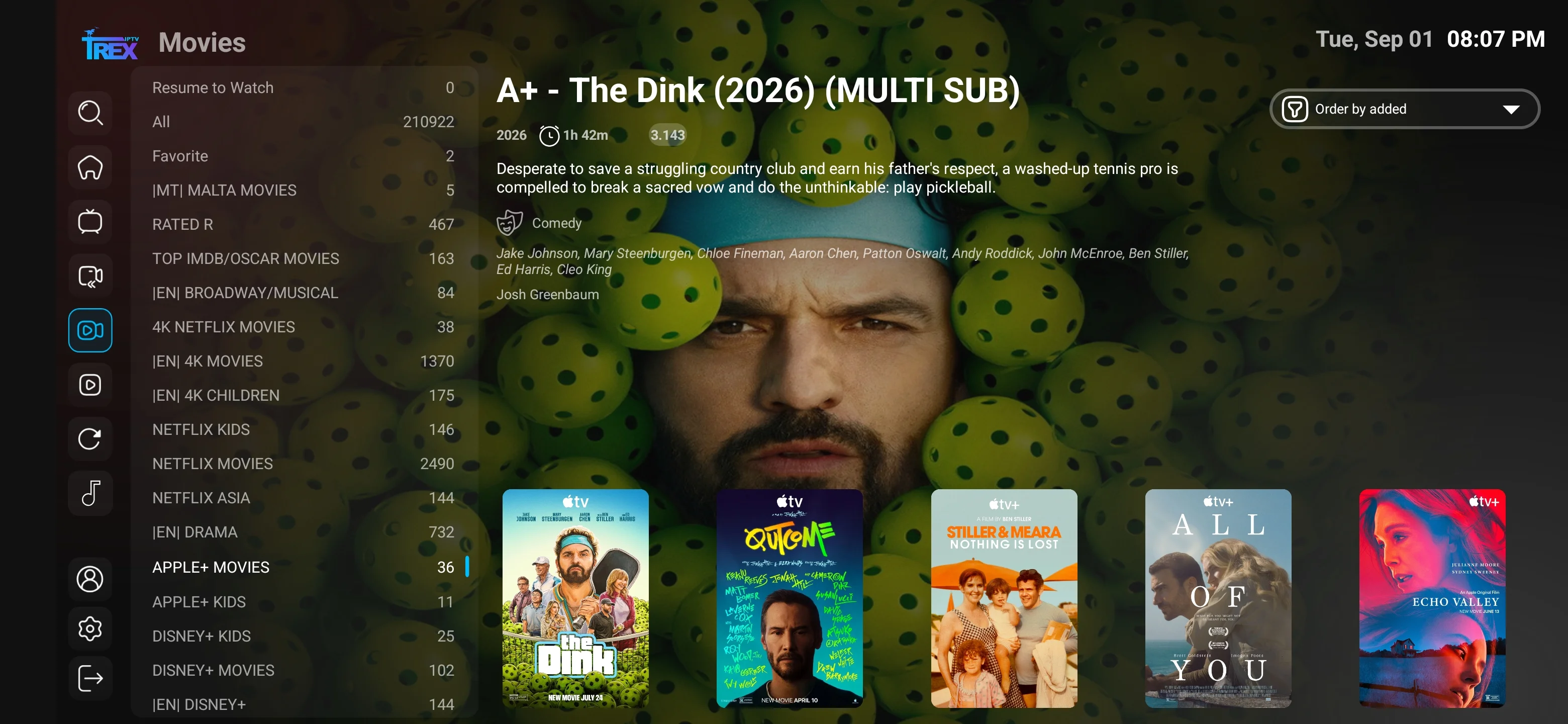
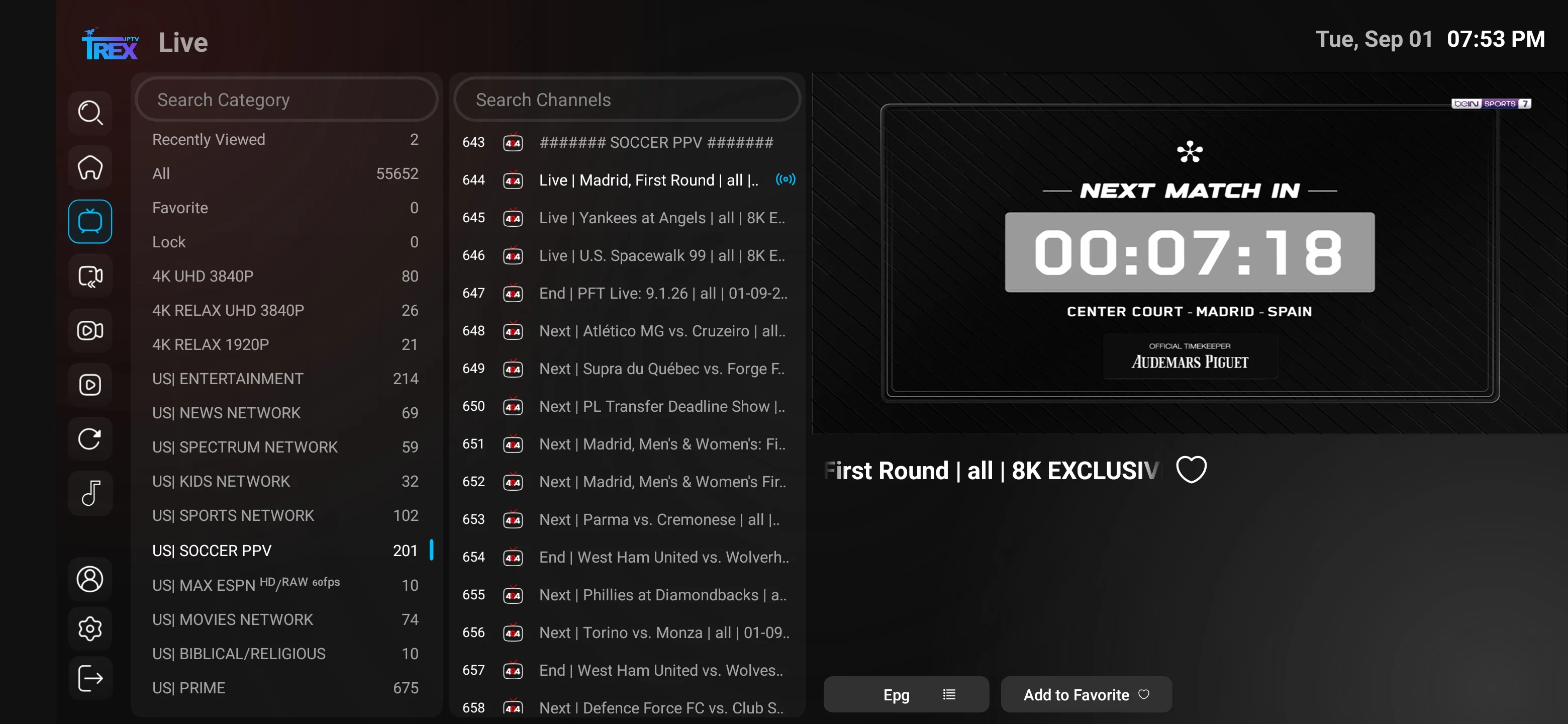
Screenshots demonstrate compatible player navigation only. They do not guarantee that every channel, title, feature or quality level is available on every account.
The exact labels can differ, but most compatible players organize the same core tasks.
Main entry points for live TV, movies, series, search and settings.
Channel groups, current programme information and playback controls.
Separate movie and series libraries using current catalog metadata.
Programme schedule information where supplied and mapped by the player.
Find current channels or titles without opening every category manually.
Player preferences, decoder choice, guide refresh and app-specific controls.
The “best” player is the one that supports your device, login format and everyday navigation needs.
| Question | Why it matters | How to verify |
|---|---|---|
| Is it available for the exact device? | TV models and app stores differ | Search the device’s official store |
| Does it accept the supplied login? | Not every app supports every format | Check supported account methods |
| Is there a separate app fee? | Player licensing is not the service price | Read the official app listing |
| Does it support EPG and catch-up? | Feature support differs by app | Test with available source data |
| Can it hide groups and save favorites? | Large catalogs need organization | Use the trial on the real device |
| Is the download source trustworthy? | Unverified APKs can be unsafe | Use an app store or verified source |
Answers about compatible players, device choices, fees, screenshots, EPG, favorites and safe installation.
No. The subscription supplies account access and catalog sources. The player is the app interface used to load and watch that account on a compatible device.
Common options include TiviMate, IPTV Smarters variants and other compatible Android players. The best choice depends on the Fire TV model, app availability, login format and features you need.
Compatible options can include IBO Player, XOTT Player, Smarters variants and other television apps. Availability and activation differ by TV platform, model year and region.
Some players offer a free version, while others charge a one-time activation, subscription or in-app fee. Player fees are separate from the Trex IPTV subscription unless explicitly confirmed.
TiviMate can be compatible on supported Android TV and Fire TV devices when it accepts the login format supplied for your account. It is a third-party player with separate terms and optional premium features.
Smarters-based players can work on supported devices when the app accepts the supplied account format. App versions and availability vary, so use a trusted current source.
They show example interfaces for live TV, channel groups, movies, series, EPG, playback, settings, search and favorites in compatible players. The exact design and content depend on the app version, device and account.
Player developers update layouts, and different operating systems can use different interfaces. The screenshots are navigation examples rather than a guarantee of an identical screen.
Favorites are usually stored locally by the player and may not transfer. Some apps provide backup or sync features, but this depends on the app, device and version.
Choose a player that supports the supplied login format and the guide or catch-up features you need. Source data must also be available; the app cannot create missing EPG or catch-up content.
Install only when the source has been verified through the current support channel. Check the exact URL, avoid unrelated shortened links and disable temporary sideload permissions after installation.
Install the new compatible app and add the same active account using a supported login format. Changing the player does not normally extend or restart the subscription period.